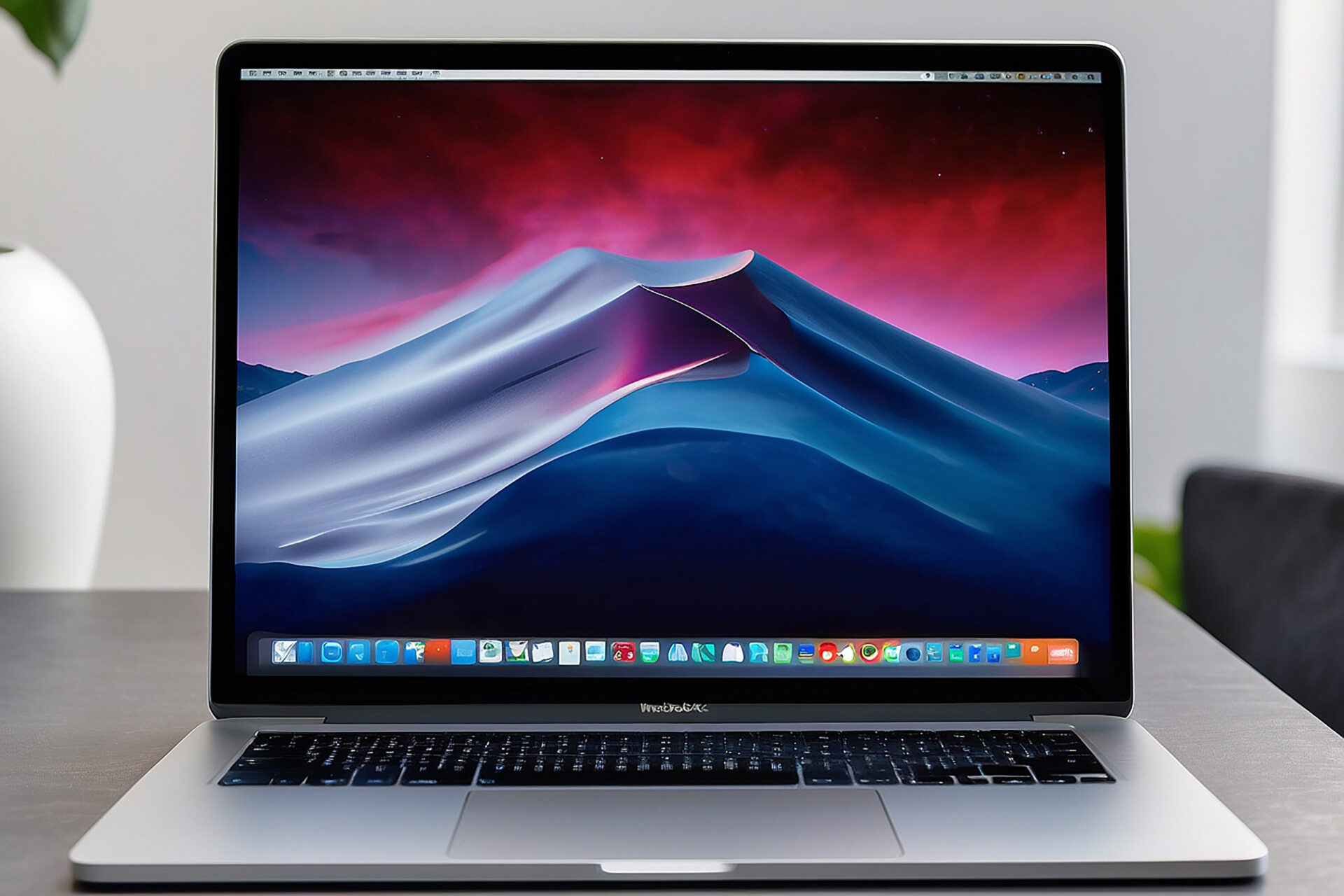
Macbook Repair Service by Why Not Fix in Folkestone, Kent

MacBook Overheating After the Heatwave? Why Folkestone Users Shouldn’t Ignore It.

Contact Us Now!
MacBook Overheating After the Heatwave? Why Folkestone Users Shouldn’t Ignore It.

MacBook overheating in Folkestone after the recent hot weather

If your MacBook has been running hotter than usual recently, you are definitely not alone.

After the heatwave we have just had, plenty of people will have noticed their laptops struggling more than normal. Maybe your MacBook fan has been louder. Maybe it has felt hot underneath. Maybe it has slowed down, frozen, shut itself off, or started acting like it is doing far more work than it actually is.

For anyone working from home, running a business, studying, editing photos, managing bookings, or simply trying to get through daily life admin, an overheating MacBook is more than a mild annoyance.

It can be the first sign that something inside the machine needs attention.

If you are looking for MacBook repairs in Folkestone, Why Not Fix can inspect overheating issues, diagnose the cause and help stop a small problem turning into something more expensive.

Why hot weather can make MacBook problems worse?

MacBooks are designed to manage heat, but they still need the right conditions to do it properly.

During normal weather, your MacBook may already be working harder than you realise. Add a hot room, direct sunlight, poor airflow, dust inside the machine, an ageing battery or a workload with lots of tabs and apps open, and suddenly the temperature has nowhere to go.

That is when the fan starts getting louder. That is when the MacBook slows itself down. That is when it becomes uncomfortable to use.

The recent heatwave has been a bit of a stress test for a lot of devices. If your MacBook was already dusty, ageing, damaged or struggling internally, the hot weather may have simply exposed a problem that was already there.

It is a bit like walking up Sandgate Hill on a normal day compared with doing it in blazing sunshine. You might manage both, but one is clearly going to make you work a lot harder. Your MacBook is no different.

MacBook Overheating After the Heatwave? Why Folkestone Users Shouldn’t Ignore It.

A hot MacBook is not always just “because it is old”

A lot of people assume overheating is just part of owning an older MacBook.

Sometimes age is a factor, but it is rarely the whole story.

A MacBook can overheat because of:

  • Dust build-up inside the device
  • Blocked or restricted airflow
  • Tired thermal paste
  • A failing battery
  • Background software issues
  • Too many apps or browser tabs running
  • Charging faults
  • Liquid damage
  • Logic board problems
  • Fan faults
  • Internal component failure

Some of these are simple. Some need proper diagnosis. But the important point is this: overheating does not automatically mean your MacBook is finished. It means it needs checking.

At Why Not Fix, we regularly deal with devices that customers thought were ready for replacement, only to find that a repair, service or proper fault diagnosis could bring them back to a much more usable condition.

The warning signs your MacBook is overheating

A MacBook will usually give you warning signs before things get worse.

You may notice:

  • The fan running loudly even when you are only browsing
  • The bottom of the MacBook feeling very hot
  • The keyboard area becoming warm
  • The MacBook slowing down during basic tasks
  • Apps freezing or crashing
  • The screen dimming unexpectedly
  • The MacBook shutting itself off
  • Battery life dropping quickly
  • Charging becoming unreliable
  • The device only struggling during warmer weather

If your MacBook has been doing any of these since the heatwave, it is worth paying attention.

Heat is one of those problems people tend to ignore because the MacBook might still technically work. But “working” and “working properly” are not the same thing.

A device that is constantly overheating is under stress. Over time, that can affect performance, battery health and internal components.

MacBook Overheating After the Heatwave? Why Folkestone Users Shouldn’t Ignore It.

Folkestone life is not always laptop-friendly in summer

One of the reasons overheating becomes more noticeable during hot weather is because of how people actually use their MacBooks.

In Folkestone, it is easy to imagine the real-world situations.

You might be working from a sunny front room in Cheriton with the laptop near a window. You might be catching up on emails from a café near the Old High Street. You might be sitting somewhere around the Harbour Arm, trying to answer messages while enjoying the weather. You might have your MacBook in a bag while walking through town, then open it up in an already warm room.

MacBooks are portable, but they still need airflow.

Using one on a bed, sofa, cushion, blanket or even your lap for long periods can trap heat underneath. Combine that with warm weather and the device has a much harder job keeping itself cool.

This is especially true if you are running demanding software, using video calls, editing images, managing a website, running business admin, or simply living the classic modern life of having 37 browser tabs open and pretending that is normal.

Your MacBook may forgive you for that in February.

In a heatwave, not so much.

Why overheating can make your MacBook slow down

One of the most frustrating overheating symptoms is slow performance.

You might start the day with good intentions. Coffee ready. Emails open. A list of things to get done. Then your MacBook starts crawling.

Pages take longer to load. Apps hang. The spinning wheel appears. The fan sounds angry. Everything feels harder than it should.

This can happen because your MacBook is trying to protect itself. When internal temperatures rise, the device may reduce performance to stop itself getting too hot. That means the machine slows down, even if you are not doing anything especially demanding.

So if your MacBook has felt much slower during or after the hot weather, overheating may be part of the reason.

That does not mean you need to rush out and buy a new one. It means the device needs a proper look to find out what is causing the heat and whether it can be repaired, cleaned, serviced or improved.

MacBook Overheating After the Heatwave? Why Folkestone Users Shouldn’t Ignore It.

When overheating points to a battery problem

Heat and battery problems often go hand in hand.

A failing MacBook battery can make the device behave strangely. You may notice it draining faster than usual, shutting down unexpectedly, refusing to charge properly, or only working when plugged in.

In some cases, the battery can swell. That is more serious.

Signs of a swollen battery can include:

  • The trackpad becoming harder to click
  • The MacBook case looking slightly raised
  • The keyboard or lower casing not sitting right
  • A gap appearing where the casing should be flush
  • The MacBook rocking slightly on a flat surface

If you notice anything like this, stop using the MacBook and get it checked.

A swollen battery should not be ignored, especially after a period of hot weather. It is not something to press down, tape shut or keep using because “it still turns on”.

Battery issues are one of the key reasons people search for MacBook repairs in Folkestone, and it is always better to deal with them early rather than waiting for the problem to get worse.

Why dust is a bigger problem than people think

Dust sounds harmless.

It is not dramatic like a cracked screen or spilled coffee. It does not look urgent. It does not always stop the MacBook from turning on.

But inside a laptop, dust can be a real problem.

Over time, dust and debris can build up inside the device. This can affect airflow and make it harder for heat to escape. Your fan then has to work harder, the MacBook gets hotter, and performance can suffer.

This is one of the reasons a MacBook may suddenly seem worse during hot weather. The internal cooling may already be struggling, but the heatwave pushes it over the edge.

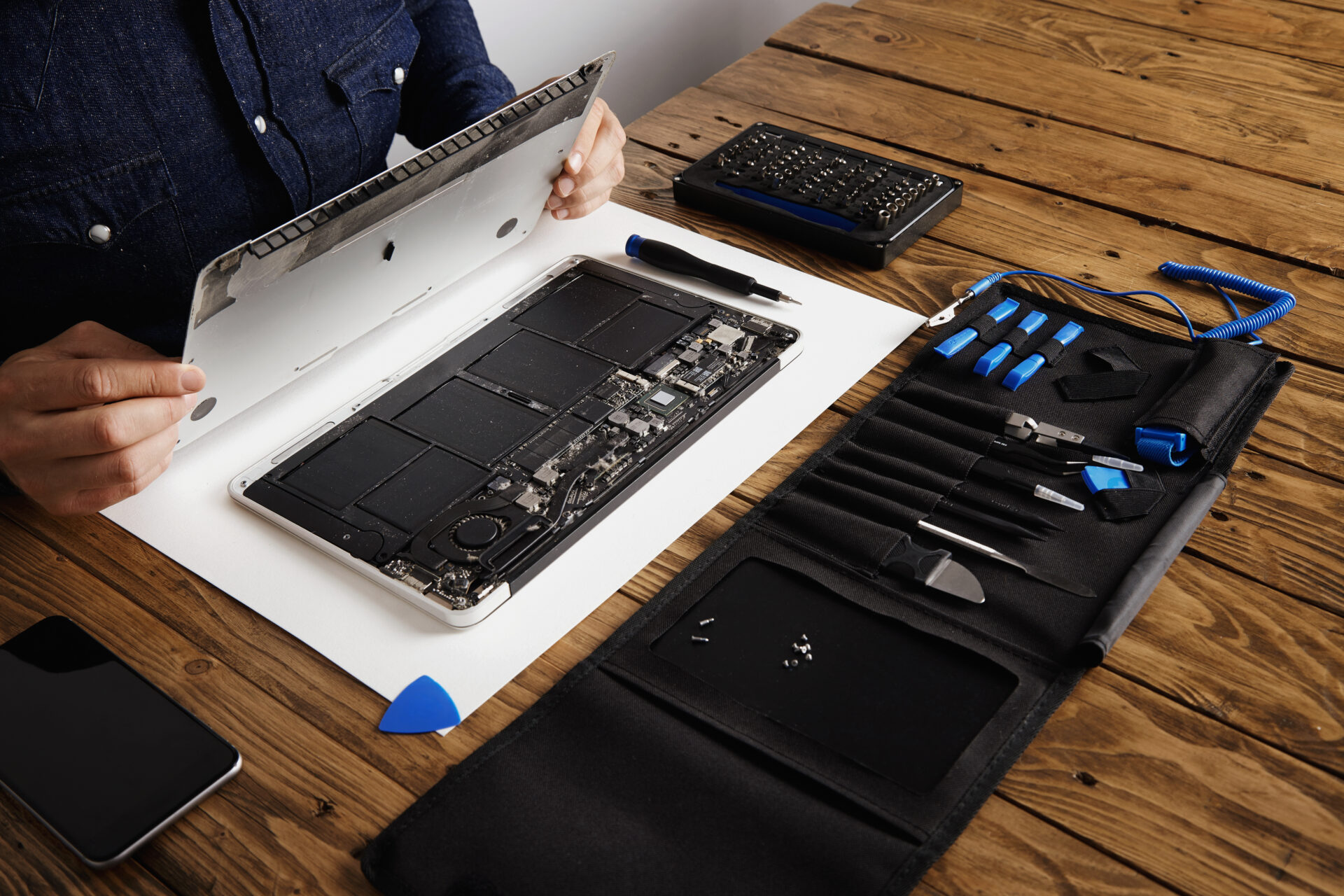
A proper inspection can help identify whether dust, blocked airflow or internal build-up is contributing to the overheating.

This is not about giving the outside of the MacBook a quick wipe. It is about checking what is going on inside the machine safely and properly.

MacBook Overheating After the Heatwave? Why Folkestone Users Shouldn’t Ignore It.

What not to do if your MacBook is overheating

When a MacBook gets hot, people often try quick fixes. Some are harmless. Others can make things worse.

If your MacBook is overheating, avoid:

  • Putting it in the fridge or freezer
  • Blowing a hairdryer into it
  • Using it on a blanket, duvet or cushion
  • Ignoring repeated shutdowns
  • Keeping it in direct sunlight
  • Blocking the vents
  • Pressing down on a swollen battery or raised case
  • Installing random “fan boost” apps without understanding the problem
  • Assuming a loud fan means the fan itself is definitely the fault

The goal is not just to cool the MacBook down for five minutes. The goal is to find out why it is overheating in the first place.

A temporary workaround might help you finish an email, but it will not fix an underlying fault.

Simple things you can try first

Before booking your MacBook in, there are a few sensible things you can try.

Move it away from direct sunlight. Use it on a hard, flat surface. Close apps and browser tabs you do not need. Restart it. Make sure the charger and cable are working properly. Give the device time to cool down if it has been running hot for a while.

You can also check whether the issue happens only during certain tasks.

For example, does it overheat during video calls? While editing photos? When using a certain app? When charging? When plugged into an external screen? When sitting on a soft surface?

These details can be really useful when you bring it in for diagnosis.

But if the overheating keeps happening, the fan stays loud, the MacBook shuts down, or the battery looks swollen, it is time to get professional advice.

MacBook Overheating After the Heatwave? Why Folkestone Users Shouldn’t Ignore It.

Why local diagnosis matters

Overheating can have several different causes, and guessing can get expensive.

You might assume it needs a new battery when the issue is dust and heat transfer. You might assume the fan is broken when the MacBook is actually reacting to another internal fault. You might assume the whole device is too old when it simply needs proper attention.

That is why local diagnosis matters.

At Why Not Fix in Folkestone, we can inspect your MacBook properly, listen to what has been happening and advise on the most sensible next step.

For local customers, that means you do not have to send the device away without knowing what is going on. You can speak to a real repair team, explain the symptoms and get practical guidance.

Whether you are based near Folkestone town centre, Cheriton, Sandgate, Hythe, Hawkinge, Capel-le-Ferne or Dover, having a local repair option can save time, stress and unnecessary replacement costs.

MacBook repairs in Folkestone from Why Not Fix

Why Not Fix provides MacBook repairs in Folkestone from our workshop at Basepoint Business Centre, Shearway Business Park.

We deal with a wide range of MacBook faults, including overheating, loud fans, battery issues, charging problems, liquid damage, cracked screens, trackpad faults, keyboard issues, logic board faults and devices that will not turn on.

Our work goes beyond simple part swapping. We also carry out specialist electronics repairs, including board-level diagnosis, soldering and micro soldering where required.

That means if your MacBook is overheating after the recent heatwave, we can look deeper than the obvious symptom and try to find the actual cause.

MacBook Overheating After the Heatwave? Why Folkestone Users Shouldn’t Ignore It.

Don’t wait until your MacBook gives up completely

The problem with overheating is that it is easy to ignore until something more serious happens.

A loud fan becomes normal. A hot base becomes normal. Slow performance becomes normal. Random shutdowns become something you work around.

But your MacBook should not feel like a device you have to constantly babysit.

If it has been struggling since the hot weather, now is a good time to get it checked. You may catch the problem early, avoid further damage and save yourself from the cost of replacing a MacBook that could still be repaired.

So before you start browsing for a new one, let us take a look.

If you need MacBook repairs in Folkestone, contact Why Not Fix today or bring your MacBook to our Folkestone workshop. We will inspect the issue, explain your options clearly and help you decide the best way forward.

FAQs about MacBook overheating and repairs in Folkestone

Why is my MacBook overheating after the heatwave? 

Hot weather can make existing MacBook problems more noticeable. Dust build-up, poor airflow, battery issues, heavy software use or internal faults can all make overheating worse during warmer conditions.

Is it normal for a MacBook fan to be loud in hot weather? 

It can be normal for the fan to work harder in warm conditions, but it should not be constantly loud during basic use. If the fan is always running loudly, the MacBook slows down, or it shuts off, it is worth getting it checked.

Can overheating damage my MacBook? 

Yes, repeated overheating can put stress on the battery and internal components. Your MacBook may slow itself down to protect itself, but ongoing heat issues should not be ignored.

Can Why Not Fix repair overheating MacBooks? 

Yes. Why Not Fix provides MacBook repairs in Folkestone, including overheating issues, loud fans, battery problems, charging faults and internal diagnosis.

Should I replace my MacBook if it keeps overheating? 

Not necessarily. Overheating can sometimes be caused by repairable issues such as dust build-up, battery problems, fan faults, software issues or internal component faults. A proper diagnosis can help you decide whether repair or replacement is the better option.

Follow Us